
Free Online
File Size Converter
Convert supported files between popular formats with a simple online file Size converter. Upload your file, choose the available output format, and download the converted file when processing is complete.
Free | No Sign UP | Fast | Easy to Use
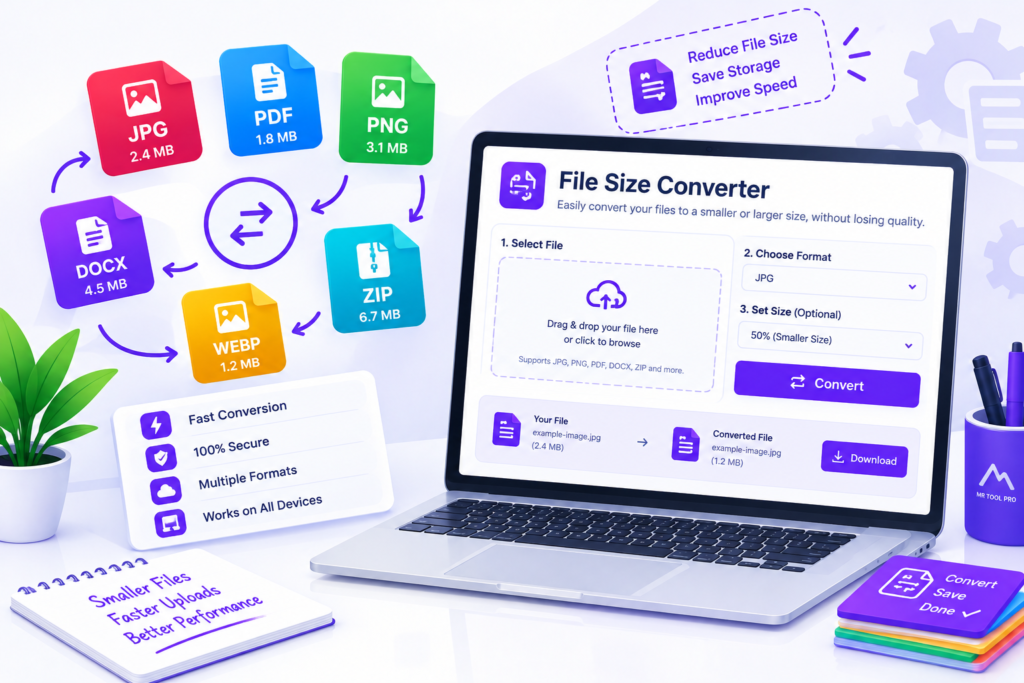
File Size Converter
Why Use an Online File Converter?
You do not need to understand complicated conversion commands. Upload the file, select the available format, and start the process.
Convenient
A browser-based converter can be useful when you need a quick conversion without installing dedicated desktop software.
Multiple File Types
Tips for Better File Conversion
Use the Right Output Format
Choose a format that is appropriate for your intended use.
Keep a Backup
Keep the original file before converting it, especially when working with important documents or media.
Check the Converted File
Open the output and verify that its content, layout, quality, and functionality are correct.
Avoid Repeated Conversions
Repeatedly converting between formats can sometimes cause unnecessary quality loss or formatting changes.
Frequently Asked Questions
What is a File Size Converter?
A File Size Converter is an online tool that converts digital storage units such as bytes (B), kilobytes (KB), megabytes (MB), gigabytes (GB), and terabytes (TB). It helps users understand file sizes and convert storage measurements quickly and accurately.
How do I convert MB to GB online?
To convert megabytes (MB) to gigabytes (GB), enter the MB value into the File Size Converter and select GB as the target unit. Using the decimal standard, divide the MB value by 1,000. For example, 5,000 MB equals 5 GB. Under the binary standard, 5,120 MiB equals 5 GiB.
What is the difference between MB and MiB?
MB stands for megabyte, while MiB stands for mebibyte. One megabyte equals 1,000,000 bytes, whereas one mebibyte equals 1,048,576 bytes. MB commonly uses the decimal system, while MiB uses the binary system. This distinction can explain why file sizes sometimes appear different across operating systems and applications.
How many KB are in 1 MB?
In the decimal system, 1 MB equals 1,000 KB. In the binary system, 1 MiB equals 1,024 KiB. The correct conversion depends on whether the units use decimal or binary measurements.
How many bytes are in 1 GB?
In the decimal system, 1 GB equals 1,000,000,000 bytes. In the binary system, 1 GiB equals 1,073,741,824 bytes. These units are often confused, so check whether your software uses GB and MB or GiB and MiB.
Is the File Size Converter free to use?
A free online File Size Converter allows users to convert storage units without installing additional software. Check the available features on this page to see which units and conversion options are supported by the tool.
Can I convert bytes, KB, MB, GB, and TB with this tool?
You can use the File Size Converter to convert between the storage units supported by its interface. Common conversions include bytes to KB, KB to MB, MB to GB, and GB to TB. Select the available source and target units to calculate the equivalent value.
Why do file sizes sometimes differ between devices?
File sizes may appear different because some systems use decimal units while others display binary-based measurements. Rounding, file system reporting, and the way an application calculates storage usage can also affect the displayed value. For an accurate comparison, check the units and conversion standard being used.