
PNG to WebP Converter Online Free
Convert PNG images to WebP format with MR Tool Pro. WebP can provide smaller image files while maintaining good visual quality, depending on the image and conversion settings. Select your PNG image, convert it to WebP, and download the result for your website, blog, or other digital project.
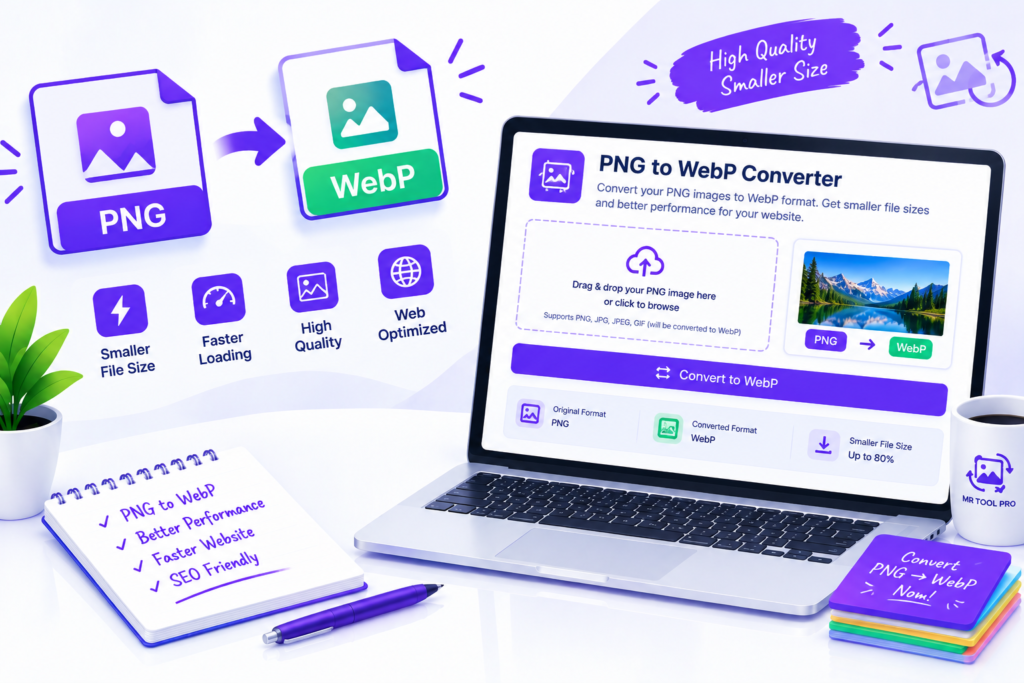
What Is a PNG to WebP Converter?
A PNG to WebP converter is a tool that transforms an image saved in PNG format into the WebP image format.
The conversion changes the way the image is encoded and stored. It does not automatically improve the composition or resolution of the picture, but it may reduce the amount of storage required.
For example, a website owner might have a collection of PNG images used in blog posts. Converting suitable images to WebP may help reduce the amount of data visitors need to download when viewing those pages.
Key Features of the PNG to WebP Converter
1. Convert PNG Images to WebP
Change supported PNG files into WebP format for compatible websites and applications.
2. Convenient Online Workflow
Use the converter through your browser without needing a separate desktop image-conversion application, provided the tool works with your browser and file.
3. Potentially Smaller Image Files
WebP compression can reduce file size compared with PNG for many images. This can be particularly helpful when preparing a large collection of website graphics.
4. Support for Transparent Images
WebP supports transparency. If the converter preserves the original alpha channel, transparent backgrounds can remain transparent after conversion. Always check the resulting file.
5. Useful for Website Optimization
WebP is supported by modern browsers and is widely used to deliver website images efficiently. Smaller image files can reduce the amount of data that needs to be transferred.
6. Download the Converted Image
After conversion, use the available download control to save the resulting WebP file to your device.
Note: Batch conversion, maximum file size, output quality controls, and other advanced features should only be advertised if they are actually implemented in the tool.
Frequently Asked Questions
How can I convert PNG to WebP online for free?
Open the PNG to WebP Converter, select a supported PNG image, start the conversion, review the output, and download the WebP file using the available controls.
What is the difference between PNG and WebP?
PNG uses lossless compression and supports transparency. WebP supports lossy and lossless compression, transparency, and animation. WebP can often provide smaller files for web use, depending on the image and settings.
Does WebP have better compression than PNG?
WebP can compress many images more efficiently than PNG, but the result varies. Image content, transparency, dimensions, and encoding settings all influence the final file size.
Will converting PNG to WebP reduce image quality?
It depends on the encoding method. Lossless WebP can preserve the image data, while lossy WebP may introduce visual differences in exchange for smaller files.
Can WebP preserve a transparent background?
Yes. WebP supports transparency. Whether it is preserved during conversion depends on the converter’s implementation and output settings.
Is WebP suitable for website images?
Yes. WebP is supported by modern browsers and is commonly used for website images. Check your site’s image workflow and any compatibility requirements before replacing existing files.
Does converting PNG to WebP improve website speed?
It can help when the resulting WebP files are smaller than the originals. Overall website speed also depends on image dimensions, hosting, caching, scripts, and other performance factors.
Can I convert WebP back to PNG?
Yes, image-conversion tools can convert WebP files to PNG. However, if the original WebP used lossy compression, converting it back to PNG will not restore image information that was already discarded.