
Image Resizer Online Free
Resize images online with a simple and convenient tool. Adjust the width and height of your pictures to suit website layouts, blog posts, product listings, and other digital projects. Select an image, enter your desired dimensions using the available controls, preview the result, and download your resized image.
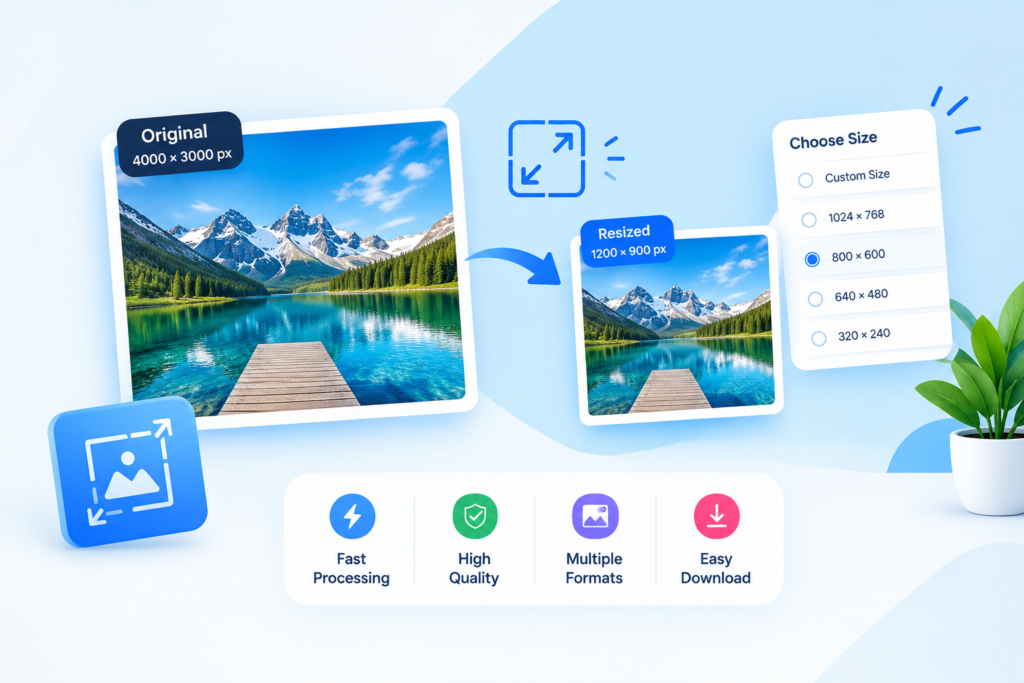
Resize Images Online with Ease
Images come in different shapes and sizes, and the original dimensions are not always suitable for the place where you want to use them. A large photograph may need to be reduced for a website, while an image with the wrong dimensions may not fit a blog layout or product listing.
The MR Tool Pro Image Resizer helps you adjust image dimensions for different digital uses. Select an image, set the required width and height using the available controls, review the result, and download the resized file.
Resizing can help you prepare images for website pages, blog posts, online stores, presentations, and social media graphics. Choosing suitable dimensions can also reduce the amount of image data that needs to be processed or transferred, particularly when the resized image contains fewer pixels than the original.
Key Features of the Image Resizer
1. Adjust Image Dimensions
Change the width and height of an image using the controls provided by the tool.
2. Prepare Images for Websites
Create image dimensions that are more suitable for website sections, blog articles, thumbnails, and other online content.
3. Resize Product Photographs
Adjust product images to fit the layout of an online store while keeping the main subject visible.
4. Preview the Result
Review the resized image before downloading it, if preview functionality is available.
5. Simple Browser-Based Workflow
Resize an image through your browser without needing a separate desktop editing application, provided the tool supports your device and file.
6. Download the Resized Image
Save the result using the download option available in the tool.
7. Suitable for Everyday Image Tasks
Use appropriate image dimensions for presentations, documents, online listings, and other digital projects.
Frequently Asked Questions
How can I resize an image online for free?
Open the Image Resizer, select a supported image, enter the required dimensions using the available controls, apply the changes, preview the result, and download the resized file.
What does an image resizer do?
An image resizer changes the pixel width and height of an image. It helps prepare pictures for website layouts, online listings, presentations, and other uses that require specific dimensions.
Does resizing an image reduce quality?
Reducing dimensions can preserve a good visual appearance when done appropriately. Enlarging an image significantly may make it look soft or pixelated because additional detail must be estimated.
What is the difference between image resizing and cropping?
Resizing changes the image’s overall dimensions, while cropping removes selected portions. You can use both operations together when preparing an image for a specific layout.
What is an aspect ratio?
An aspect ratio describes the relationship between an image’s width and height. Preserving the original ratio helps prevent the image from looking stretched or compressed.
Can I resize an image to a specific pixel size?
You can enter a specific pixel size if the tool provides width and height fields that support custom dimensions. Check the available controls and any maximum dimension restrictions.
Will resizing reduce the file size?
Reducing pixel dimensions often reduces file size, but the result depends on the image format, content, and export settings. You may need additional compression for further savings.
Which image formats are supported?
Supported formats depend on the tool’s implementation and browser compatibility. Check the file selection area before selecting an image.
Can I resize an image without stretching it?
Yes, if you maintain the original aspect ratio. If the tool provides a ratio-lock option, use it to keep the width and height proportional.