
⚡ Fast • Free • Easy
Meta Tags Generator
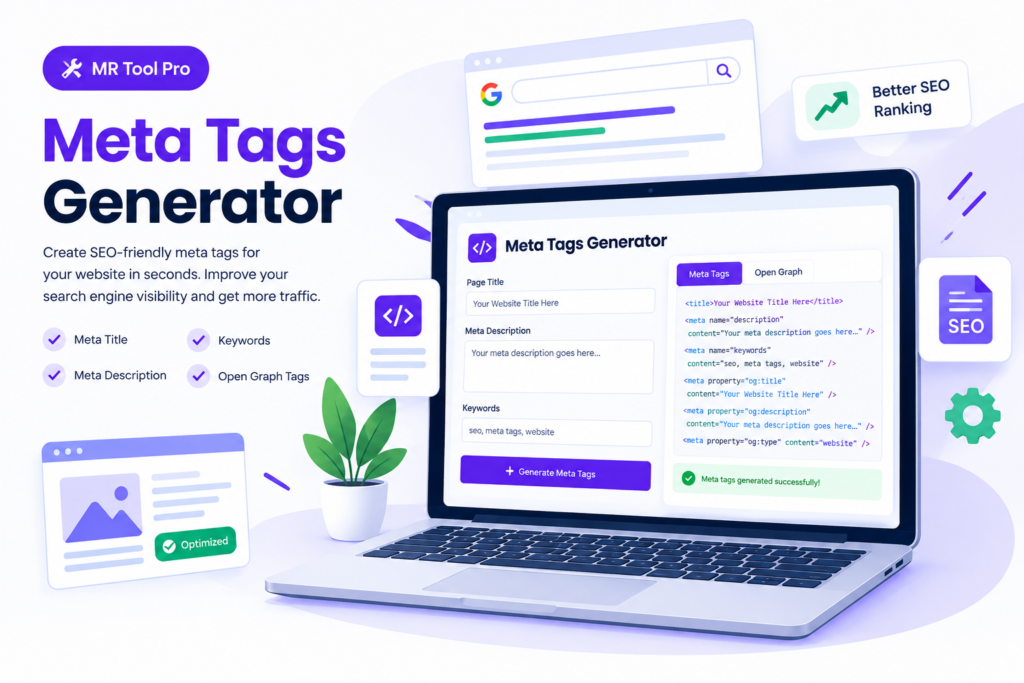
Create SEO-friendly meta tags for your website with our free Meta Tags Generator. Enter your page title, meta description, and other supported details to generate HTML tags you can copy into your website. Prepare your page metadata for search engines and improve how your pages may appear in search results and social media shares.
Free Meta Tag Generator
Meta Tag Generator
Create SEO-ready title, description, and keyword meta tags for any page.
Result
Related Seo Tools
Robots.txt Generate
Check and validate your robots.txt file for better search engine crawling in online tools.
SiteMap Generator
Generate an XML sitemap to help search engines discover and index your pages using toolpro .
Keyword Density
Analyze keyword density and optimize your content for better online tools SEO performance using online tools.
Frequently Asked Questions
What is a Meta Tag Generator?
A Meta Tag Generator is a tool that helps you create HTML metadata such as SEO titles and meta descriptions for webpages. It can make the process faster and reduce the need to write metadata manually.
How does a Meta Tag Generator work?
You enter information about your webpage, such as its title, description, and relevant keywords. The generator then creates metadata that you can copy and add to your webpage’s HTML.
Is the Meta Tag Generator free to use?
Yes. Mr Tool Pro provides a free Meta Tag Generator that can help you create basic SEO metadata without requiring advanced HTML knowledge.
What is a meta title?
A meta title, commonly called a title tag, is the HTML element that identifies the main title of a webpage. Search engines may use it as the clickable title displayed in search results.
What is a meta description?
A meta description is a short summary of a webpage. Search engines may display it beneath the page title in search results, helping users understand what the page is about.
Does a Meta Tag Generator improve SEO?
A generator itself does not guarantee higher rankings. However, it can help you create clear and relevant titles and descriptions, which can improve how your pages are presented in search results.
Can I use generated meta tags on WordPress?
Yes. You can add your generated metadata through an SEO plugin or directly through your website’s HTML, depending on your WordPress setup.
Should every webpage have unique meta tags?
Yes. Each important webpage should ideally have a unique, descriptive title and meta description that accurately reflects its content.
Can I include keywords in my meta tags?
You can naturally include relevant keywords in your title and description when they accurately describe the page. Avoid keyword stuffing because it can make your metadata look unnatural.
What makes a good meta title?
title is concise, descriptive, relevant to the page, and written primarily for users. Including the main topic naturally can help users understand what they will find on the page.
What makes a good meta description?
A good meta description clearly explains the page’s value and encourages users to visit. It should be unique, relevant, natural, and written to match the actual content of the page.
Can I generate meta tags without coding knowledge?
Yes. A tool such as Mr Tool Pro’s Meta Tag Generator can create the required metadata for you, so you don’t need to manually write HTML from scratch.
Are meta keywords still important for Google SEO?
No. Google does not use the HTML meta keywords tag as a ranking signal. Focus instead on useful content, descriptive title tags, relevant page content, and a good user experience.
How often should I update my meta tags?
Update them when the page content, search intent, branding, or SEO strategy changes. You don’t need to change them constantly if they are already accurate and effective.
Can a Meta Tag Generator create tags for multiple pages?
Some generators can be used repeatedly for individual pages, while more advanced SEO systems may support bulk metadata generation. For a small website, creating unique metadata for each important page is usually manageable.
What is a meta tag?
A meta tag is an HTML element that provides information about a webpage to search engines and browsers. Common meta tags include the title tag, meta description, robots tag, and viewport tag. They help search engines understand and display information about a webpage.
What is a meta tag used for in SEO?
Meta tags are used to provide search engines with important information about a webpage. Properly optimized meta tags can help search engines understand your content and can improve how your page appears in search results.
How do I create a meta tag Generator?
You can create a meta tag generator by using MrToolPro Website by adding the appropriate HTML element inside the <head> section of your webpage. For example, a meta description can be added using <meta name="description" content="Your page description">.
What is a meta description tag?
A meta description tag is an HTML element that provides a short summary of a webpage. Search engines may use this description as the snippet shown below the page title in search results. A clear and relevant meta description can help encourage users to click your page.
Are meta tags still important for Google SEO?
Yes, some meta tags remain useful for SEO, although not every meta tag directly affects rankings. For example, the meta description can influence how your search result snippet is presented, while the robots meta tag can control certain search engine crawling and indexing instructions.
What is the difference between a meta tag and a title tag?
A meta tag is an HTML element that provides information about a webpage, while the title tag specifically defines the title of the page. The title tag is highly important for SEO and is commonly displayed as the clickable headline in search engine results.
How can I optimize meta tag generator for better search visibility?
To optimize meta tags, write unique and relevant page titles and descriptions, naturally include the main topic or keyword, accurately describe the page content, avoid keyword stuffing, and make the text useful and compelling for search users.
Can I use meta tag generator automatically?
Yes. A meta tag generator can help create optimized title, meta description, robots, and other HTML meta tags based on your webpage information. This can save time and reduce common formatting mistakes, especially when optimizing multiple pages.
Other Meta Tags
- Most other meta tags revolving around further optimization in a classical sense (dublin core, meta keywords, revisit on, etc.) are generally a waste of time as most search engines ignore them.
- That said, there are a few exceptions to this general rule-of-thumb this Solution Are Only Available in Our Websiet Mr Tool Pro have multiple tools website:
- The meta robots tag, which is used to tell search engines to NOT INDEX a page or to NOT FOLLOW LINKS, but if you want the page to get indexed and followed you would not use the meta robots exclusion tag, as indexing and following are default states.
- The rel=canonical tag, which is used to identify the original source document in cases where multiple versions of a document exist.
- Any specific tags to verify the website as being verified as owned by an entity, for access to webspecial tool offerings in Google read more about meta tag generator .