
Online URL
Slug Generator
Create clean, readable, and SEO-friendly URLs in seconds with our free URL Slug Generator. Enter a page title, post title, or keyword phrase and instantly generate a simple URL slug that is easy to read, share, and use on your website.
Free to Use | No Sign UP | Fast Results | Easy to Use
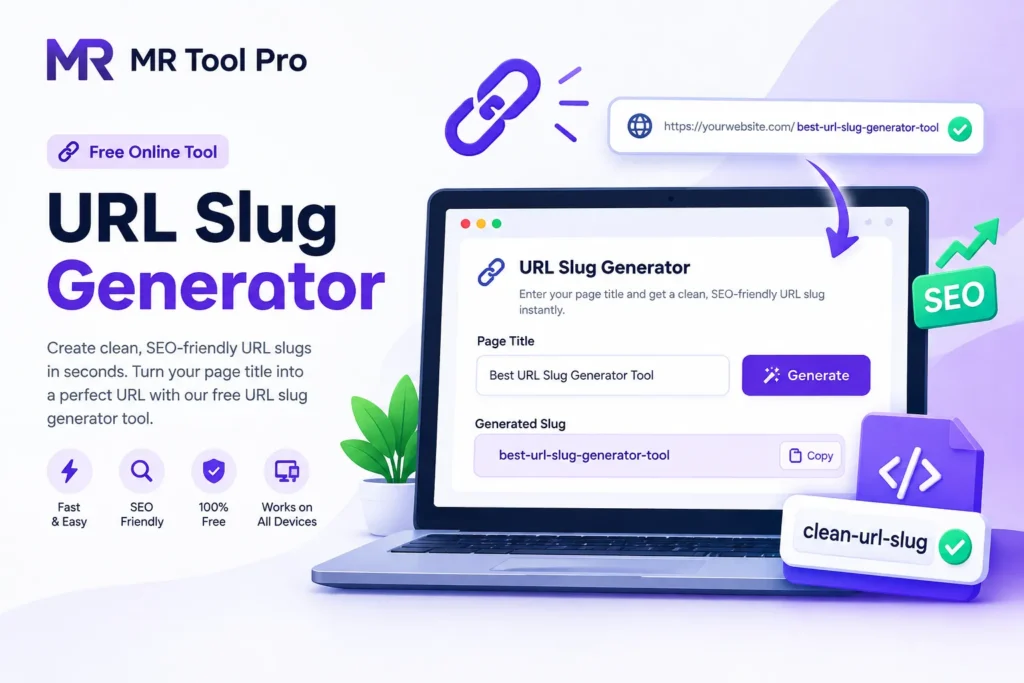
URL Slug Generator
URL Slug Generator
Turn any title or sentence into a clean, SEO-friendly URL slug.
Result
What Is a URL Slug?
A URL slug is the part of a web address that appears after the domain name and identifies a specific page or post.
For example:
Full URL:https://example.com/best-seo-tools
URL Slug:best-seo-tools
A good slug is usually short, descriptive, readable, and relevant to the page content. Our URL Slug Generator helps you turn titles and phrases into clean URL slugs without manually removing spaces, punctuation, and unnecessary characters.
How to Use the URL Generator
Step 1 — Enter Your Title
Type or paste your page title, blog title, product name, or keyword phrase into the input field.
Step 2 — Generate Your Slug
Click Generate Slug and the tool will process your text automatically.
Step 3 —Review the Result
Check the generated slug to make sure it accurately represents your page.
Step 4 —copy the slug
Click Copy to copy the slug to your clipboard.
Related Tools
Backlinks Checker
Check backlinks, referring domains, and link quality to improve your online tools SEO.
SiteMap Generator
Generate an XML sitemap to help search engines discover and index your pages using toolpro .
Tags Generator
Meta Tag Generator to create SEO-friendly title tags and meta Generate optimized meta tags quickly with Mr Tool Pro.
Keyword Density Checker
Analyze keyword density and optimize your content for better online tools SEO performance using online tools.
What is a URL slug?
A URL slug is the readable part of a webpage URL that identifies a specific page. It normally appears after the domain name and helps describe the page content
What makes a good URL slug?
A good slug is generally short, descriptive, readable, relevant to the page, and easy to type or share. Using lowercase words separated by hyphens is a common approach.
Is the URL Slug Generator free?
Yes. You can use the URL Slug Generator on MR Tool Pro to create slugs without paying for the basic tool.
Should URL slugs contain keywords?
A relevant keyword can be useful when it naturally describes the page. However, avoid stuffing multiple keywords into the slug.
Should URL slugs use hyphens?
Hyphens are commonly used to separate words in readable URLs because they make individual words easier to distinguish.
Should URL slugs be lowercase?
Lowercase slugs are commonly preferred because they provide a consistent URL format. Your website’s server and CMS configuration should also be considered.
Can I use this tool for WordPress?
Yes. You can generate a slug with the tool and use it when creating or editing a WordPress page or post.
Can I use the generated slug for ecommerce products?
Yes. A generated slug can be adapted for product pages, categories, services, and other types of web content.
Does a URL slug improve SEO?
A descriptive URL can help users and search engines understand the topic of a page. However, a URL slug is only one part of overall SEO. Content quality, relevance, technical SEO, links, and user experience also matter.
Can I change a URL slug after publishing?
Yes, but changing an existing URL can affect links and search visibility. If you change an established URL, use an appropriate redirect and update important internal links where necessary Information More Available In Gpt